
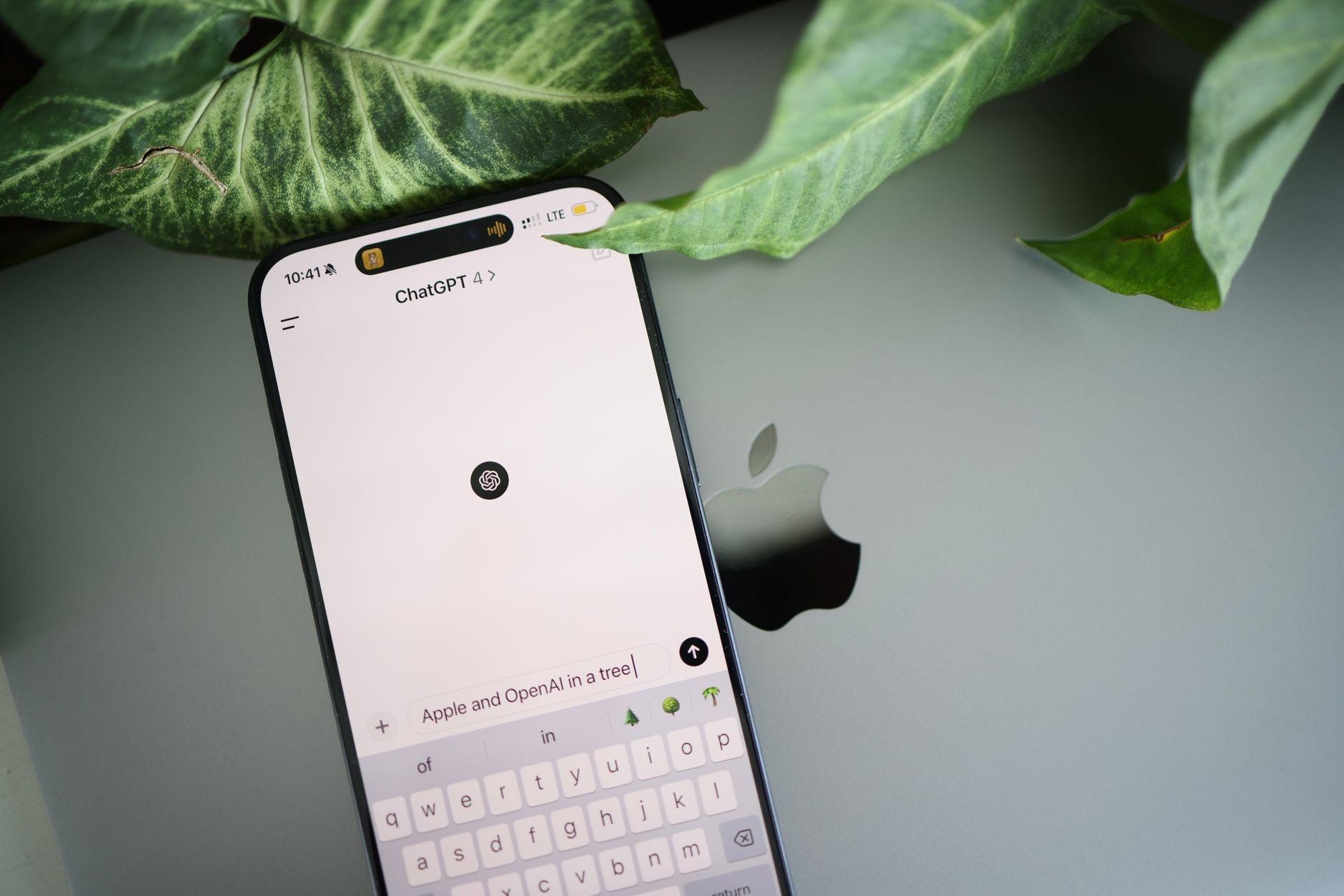
For a couple of years now, "ChatGPT" has been shorthand for "AI" the way "Kleenex" became shorthand for tissues. Ask a roomful of teachers what their students are using and you will hear the same four syllables over and over. But in 2025 that is no longer the whole picture, and pretending it is does everyone a disservice. There is a deep bench of free AI assistants now, several of them genuinely excellent, and most students who reach for one are not paying a cent.
If you work in a school, this matters for two reasons. First, you cannot set a sensible policy about tools you have never opened. Second, the differences between these assistants are real, and knowing them helps you spot how a given chunk of text was probably produced. So here is a plain tour of the best free ChatGPT alternatives available right now, what each one is actually good at, and a few honest notes about where they fall short.
Why "free" deserves an asterisk
Before the list, a word about the word free. Almost every tool below has a free tier, and for most casual use that tier is plenty. But free rarely means free in the way a public library is free. You are usually paying with one of three things: your data, which trains the next version of the model; your patience, in the form of slower responses, daily message caps, or older underlying models; or your attention, through nudges toward a paid plan.
None of that is sinister. It is just the business model, and it is worth saying out loud to students who assume these tools are a charitable gift. The practical takeaway for schools is simple. Treat anything typed into a free consumer chatbot as potentially non-private. That alone should shape what you tell kids never to paste in, starting with their own full names, grades, and anything resembling someone else's personal information.
The heavy hitters worth knowing
Google Gemini. Gemini is the alternative most students already have, because it rides along with the Google account their school may have handed them. The free tier is fast, handles images well, and plugs naturally into Docs and Gmail. For a student living inside Google Classroom, it is the path of least resistance. Its weakness is the same as its strength: it is so woven into the Google world that the line between "using a tool" and "the tool doing the assignment" gets blurry fast.
Microsoft Copilot. Copilot runs on top of high-end models and is free to use through Bing and the Edge browser, with tighter ties to Word and the rest of Office for those who have it. It tends to cite its web sources more visibly than most, which is a small but real advantage when you are trying to teach students that a claim needs a source behind it. If your school is a Microsoft district, this is the one your students will bump into first.
Anthropic's Claude. Claude has a free tier and a reputation for careful, readable longer-form writing. Teachers who have spent time with it often describe its prose as the most "human" sounding of the bunch, which is exactly why it is worth being aware of. It is strong at reasoning through a problem step by step and at sticking to instructions. The free tier limits how much you can use it in a stretch, which in practice nudges heavier users toward a paid plan.
Meta AI. Meta has poured its assistant into Instagram, WhatsApp, and Messenger, which means a huge number of teenagers are using AI without ever opening a dedicated "AI app." That is the important thing for educators to register. The assistant is capable enough for quick questions and casual drafting, and its real significance is reach, not raw power. If a student says they "didn't use AI," they may genuinely not realize the thing in their group chat counts.
The specialists
Not every good tool tries to be everything. A few are worth a mention precisely because they are narrow.
Perplexity is built around search. It answers questions with linked citations stacked underneath, which makes it feel less like a chatbot and more like a research assistant that shows its work. For teaching source evaluation, that format is genuinely useful, though students still need to be reminded that a citation is not the same as a correct citation. Always click through.
DeepSeek drew enormous attention in early 2025 as a capable, low-cost model out of China, and its free chat interface is fully usable. It is strong at math and code. It also comes with data-residency and privacy questions that many districts will want to think hard about before recommending it, so treat it as something to be aware of rather than something to endorse.
Hugging Face Chat and similar open-model playgrounds let anyone try genuinely open-source models for free. These matter less for the average student and more for the curious teacher or the computer science classroom, where seeing that "AI" is not one monolithic product can be its own lesson.
What this means for a classroom
Here is the part that actually changes your week. The sheer number of free options means the old advice, "just block ChatGPT," was never going to work and works even less now. You cannot block your way out of a tool that lives inside WhatsApp, Google Docs, and the Edge browser at the same time.
A few practical postures hold up better. Teach students that every one of these tools confidently invents facts, dates, and quotations, and that the polish of the writing tells you nothing about whether the content is true. Make source-checking a habit by leaning on the tools that cite, like Perplexity and Copilot, when AI use is allowed at all. And be specific in your assignments about what kind of help is acceptable, because "no AI" means nothing to a student whose phone autocompletes their sentences.
It also means detection has to be smarter than pattern-matching one product. Because these models write in noticeably different voices, a quietly Claude-drafted essay reads differently from a Gemini-drafted one. That is part of why we built Checkmark to look at the deeper signals of how text was generated rather than chasing the fingerprints of a single brand. The goal is never to play gotcha. It is to give a teacher enough information to start an honest conversation with a student about their own work.
The short version
If you want a one-line cheat sheet to keep at your desk: Gemini if you live in Google, Copilot if you live in Microsoft, Claude for long writing that sounds human, Perplexity when you need sources, Meta AI because it is already in your students' pockets whether you like it or not. All free enough to be everywhere, all good enough to matter, none of them a substitute for a student actually thinking.
The honest reality of 2025 is that there is no single "the AI" to police anymore. There is a whole shelf of capable, free assistants, and the schools that thrive are the ones that stop pretending otherwise and start teaching kids how to use the shelf wisely.
The tools are free. Judgment still has to be taught.