
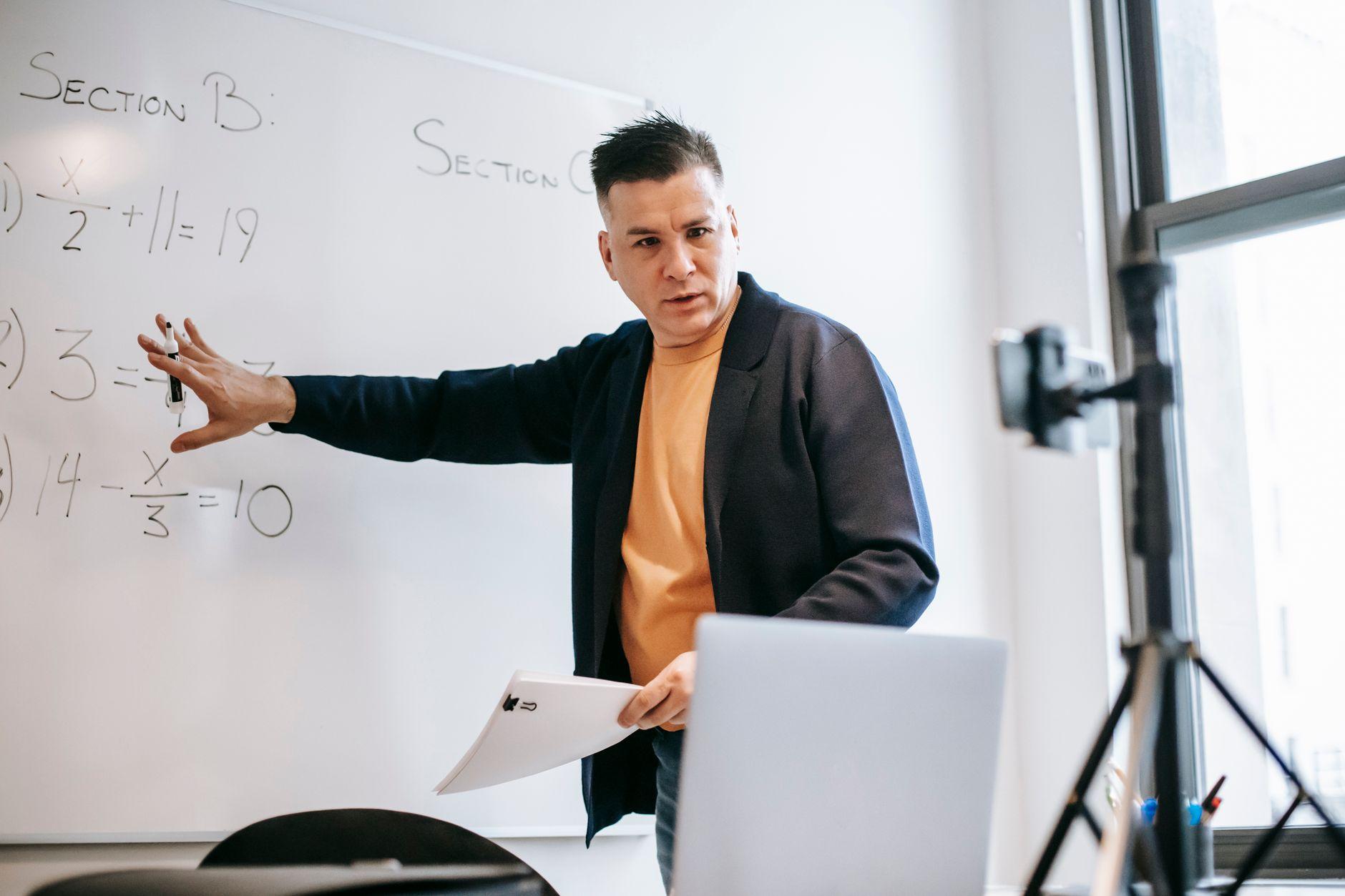
Moodle is one of those tools that rewards the people who learn its shortcuts and quietly punishes the people who do not. Open a fresh course shell and it can feel like staring at an empty whiteboard the size of a wall. Every section, every activity, every quiz question is a small decision, and when you multiply those small decisions across five sections and a full roster, the setup alone can eat an entire weekend. That is the part nobody warns new teachers about. The teaching is the job. The course building is the tax you pay before you get to do the job.
The good news is that most of that tax is avoidable. Moodle has accumulated, over twenty-plus years, a deep bench of features specifically designed to keep you from doing the same thing twice. Most teachers use a fraction of them, usually because no one ever sat them down and showed them which buttons matter. So let us do that. Here are the tools and techniques that genuinely move the needle on course creation, ranked roughly by how much time they give back.
Stop building from scratch: templates, backup, and restore
The single biggest time sink in Moodle is rebuilding things that already exist. If you taught Algebra I last fall, the course you spent weeks assembling did not disappear. It is sitting right there, and Moodle will let you clone it in about ninety seconds.
The feature you want is Backup and Restore, found under the course administration menu. Back up a finished course, then restore it into a new empty shell for the next term. You can choose to bring over the structure and activities while leaving student data behind, which is exactly what you want when you are recycling a course for a new group. No more rebuilding the same quiz, the same forum, the same assignment instructions you wrote so carefully the first time.
For schools that run many sections of the same course, the better move is a master course template. Build one pristine version, get it reviewed, and have every teacher restore from that. Administrators can also enable course templates at the site level so a new course starts pre-populated rather than blank. The principle is the same either way. Do the careful work once, then copy it forever.
Import selectively instead of copying everything
Backup and restore is the sledgehammer. The Import function is the scalpel. From inside any course, Import lets you pull specific activities and resources out of another course you teach and drop them into the current one. Want just the lab safety quiz from last year and nothing else? Import grabs that one item without dragging the whole course along with it.
This matters more than it sounds. Most teachers do not want to clone an entire course. They want to assemble a new one from pieces they already trust. Import turns your back catalog of past courses into a parts bin. Over a few years, you stop building courses and start composing them.
Make the question bank do the heavy lifting
If you give quizzes in Moodle and you are not using the question bank deliberately, you are leaving enormous amounts of time on the table. The question bank stores questions independently of any single quiz, organized into categories you define. Write a question once, tag it, and reuse it across quizzes, terms, and even courses.
Two techniques make this powerful. First, random questions: instead of hand-picking ten questions, you tell a quiz to pull ten at random from a category of fifty. Every student sees a slightly different test, which is a quiet but real deterrent against copying answers off a neighbor's screen. Second, bulk import formats. Moodle reads several plain-text question formats, including Aiken for simple multiple choice and the more flexible GIFT format. You can draft a hundred questions in a text file or a spreadsheet, import them in one pass, and skip the soul-deadening process of typing each one into the web form. Teachers who write their questions in GIFT once almost never go back.
Let bulk actions and drag-and-drop save your wrists
A lot of Moodle busywork is not intellectual. It is mechanical. Moodle has slowly gotten better at the mechanical parts, and the improvements are worth knowing.
Turn on editing and you can drag files straight from your desktop onto a course section. Drop a PDF and Moodle creates the resource for you. Drop a folder of images and it sorts them out. No clicking through the add-resource dialog for every single file.
For larger reorganizations, the bulk course actions and the activity chooser let you move, hide, duplicate, or delete in batches rather than one item at a time. And at the administrative level, bulk user enrollment through cohorts or CSV upload means you are not adding students by hand. If you find yourself doing the same click forty times in a row, stop and assume Moodle has a bulk version of it. It usually does.
Plug in the checks that would otherwise be manual
Course efficiency is not only about building faster. It is about not creating new manual work for yourself later. The classic example is academic integrity. If your assignments collect student writing, you are eventually going to wonder whether that writing is original, and checking by hand is a nonstarter at any real scale.
This is where an integrated similarity checker earns its place in the workflow. Rather than exporting submissions, uploading them to a separate website, and matching results back to names one by one, a plagiarism and AI-writing detection tool that connects to Moodle runs the check where the work already lives. Submissions get scanned automatically on arrival, and you see the results next to the grade you are about to assign. That is the difference between a five-second glance and a twenty-minute detour. The same logic applies to other integrations: calendar sync, gradebook export, and single sign-on all remove a recurring manual step. Set them up once at the start of the term and they pay you back every week after.
Borrow before you build
The last technique is the least technical and maybe the most underused. You do not have to invent everything. Moodle's community is vast, and a lot of it is generous. The official Moodle.net and various subject-specific repositories host shareable courses and activities. Your own district almost certainly has teachers who have already built a strong version of the unit you are dreading. Ask. Share back. A department that pools its Moodle courses is a department where no one ever builds the Romeo and Juliet unit from zero again.
The thread running through all of this is simple. Moodle is built for reuse, and the teachers who thrive on it are the ones who treat every hour of setup as an investment rather than a chore. Build it well once, copy it forever, and automate the checks that would otherwise pile up. Do that, and the empty whiteboard stops being intimidating. It becomes a place you have already been.